How to post a listing on Rentix
Add photos and describe your apartment, house or other property in your own words. Rentix helps fill in the listing, and you check the details before publishing.
Posting a listing on Rentix is completely free. Every advertiser has the same opportunity: search takes listing quality and how well it matches the person's needs into account. A clear, complete listing can reach buyers or renters without paying for a higher position. Our guide to fair search ranking explains how this works. Rentix currently offers no paid promotion.
Three steps to publish your listing
- Add photos, a description and your contact details
- Select “Create” and confirm your phone number
- Review the prepared listing and publish it
1. Upload your photos
Open the “Create announcement” page. You can start without registering: an account is created using your contact details. If you already have one, sign in.
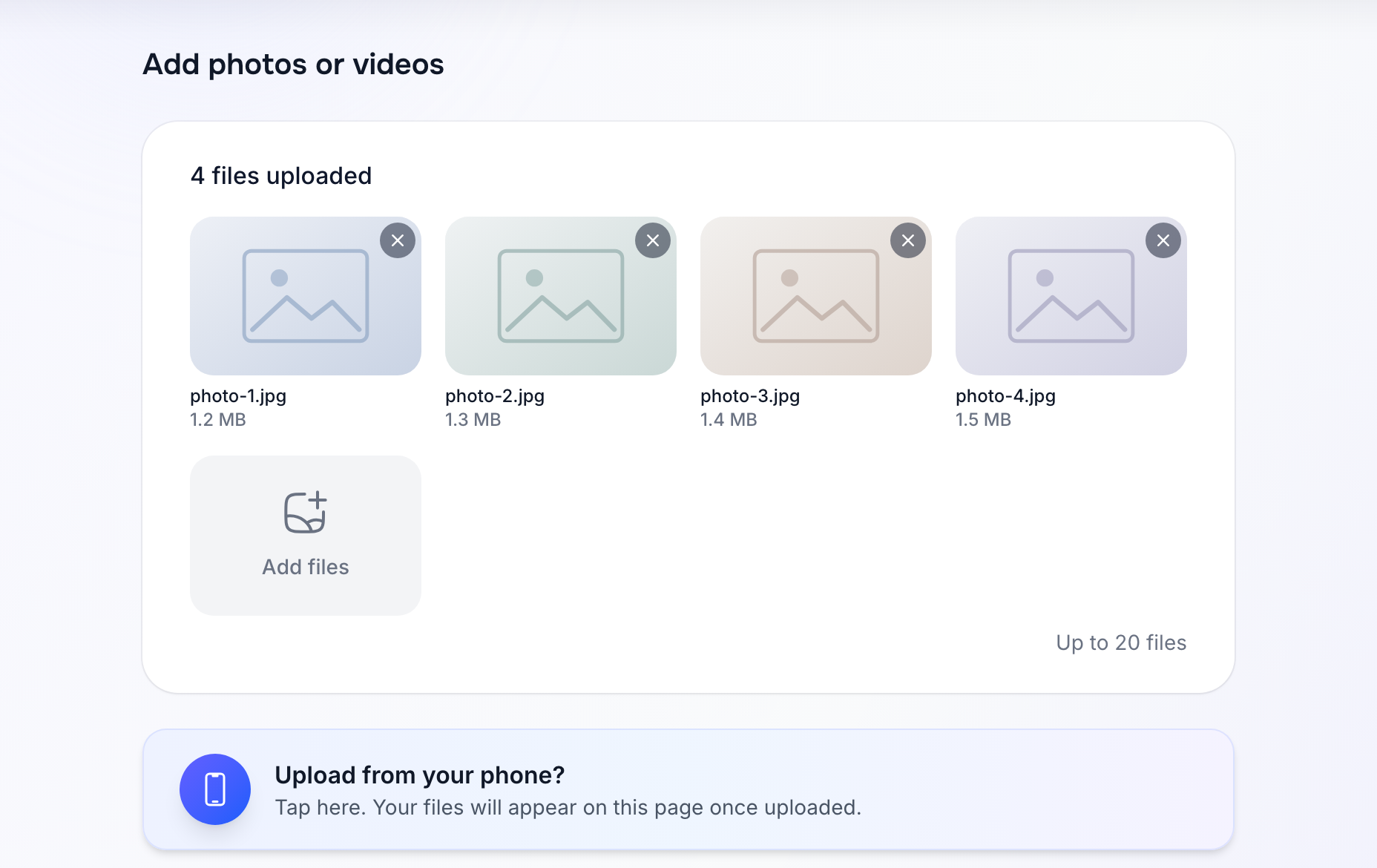
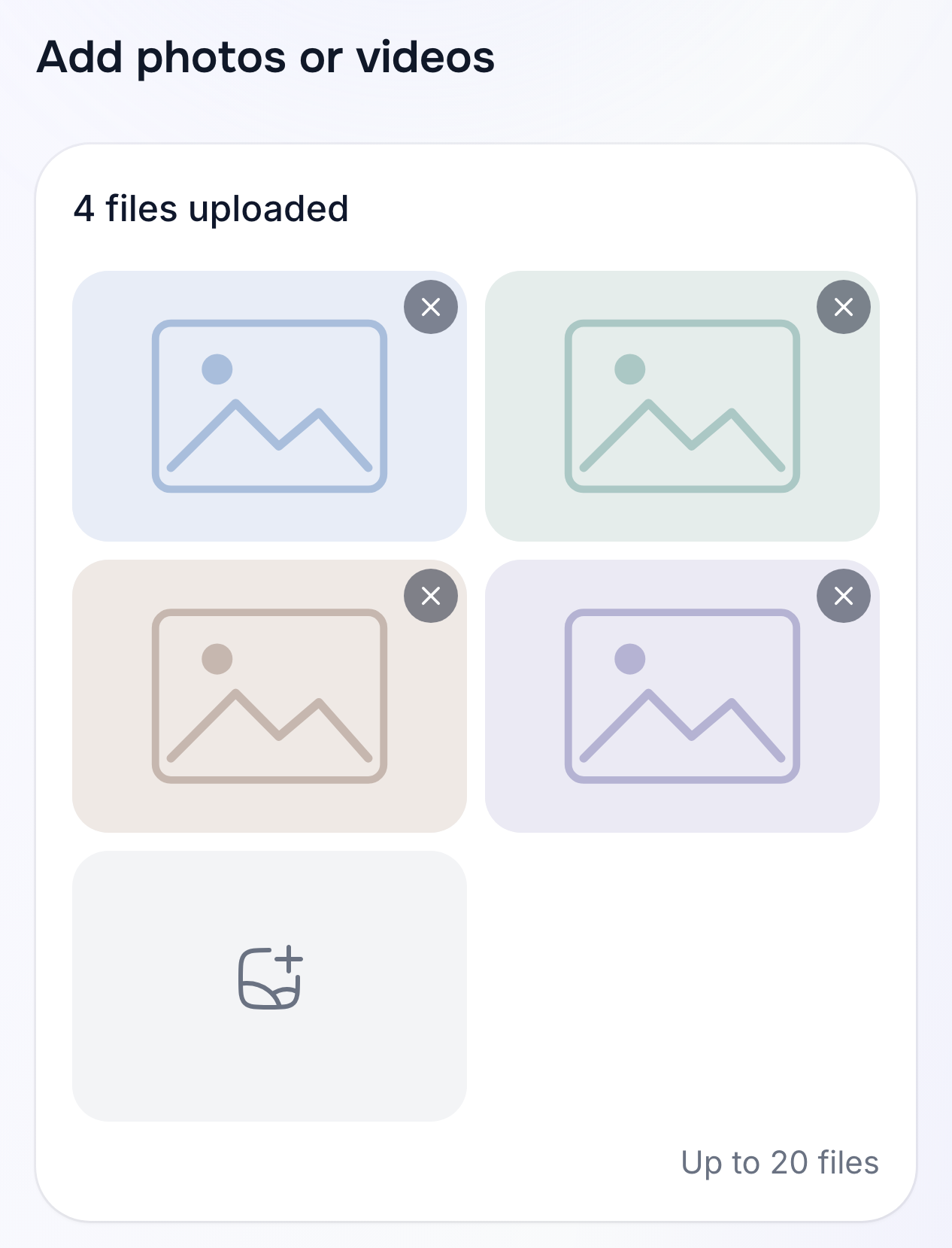
Photograph the rooms, kitchen and bathroom. For a house, include the exterior and the plot. Show different parts of the property instead of several almost identical shots: the photos help Rentix identify its features.
You can add a video walkthrough too. If you're posting from a computer and your photos are on your phone, select “Upload from phone”.
2. Describe it in your own words
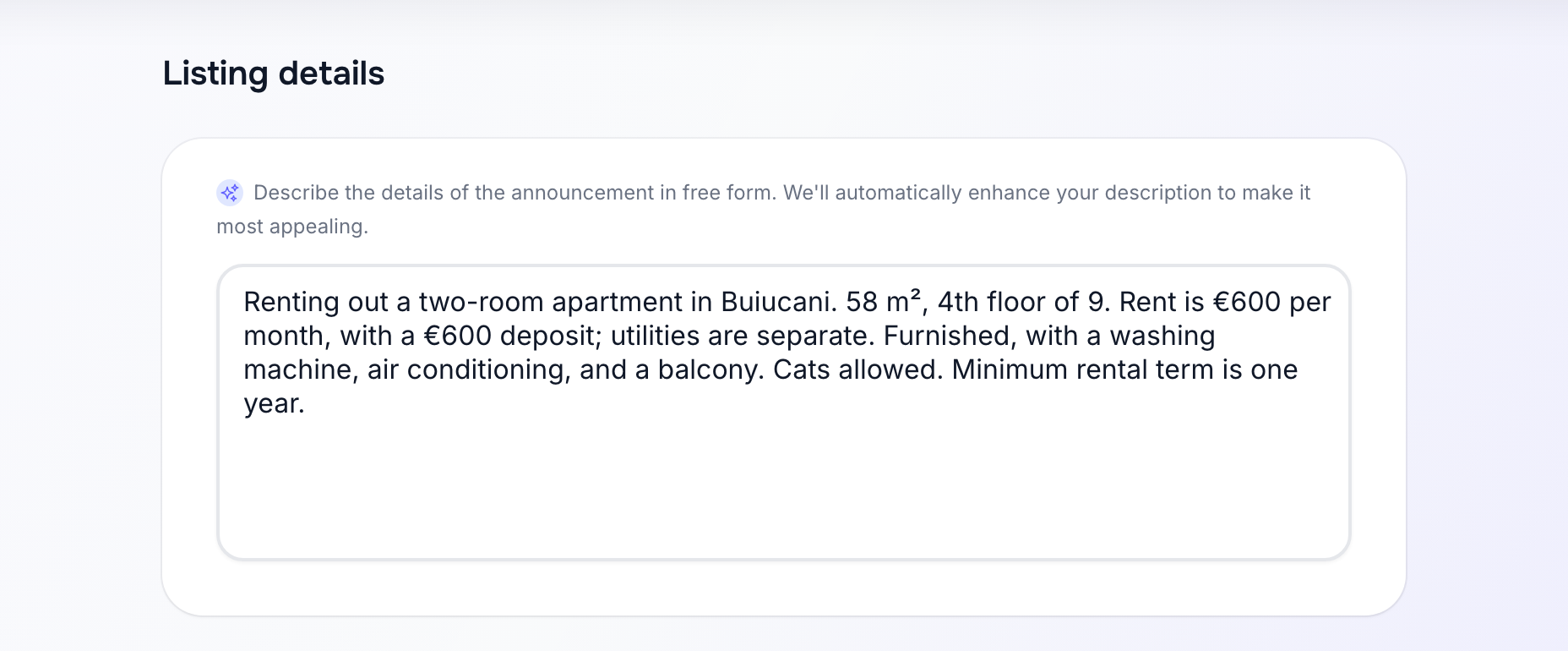
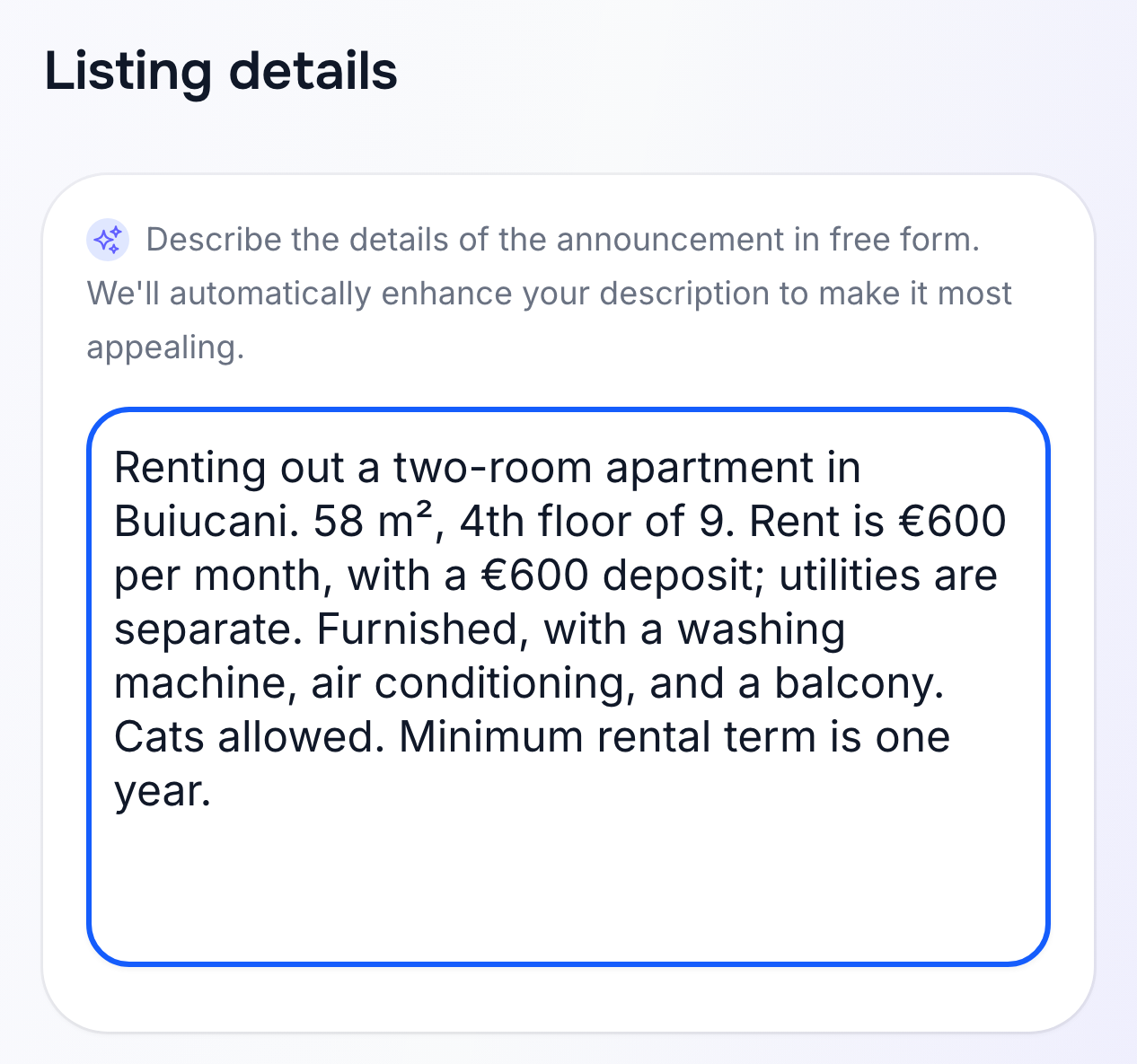
You don't need to write a sales pitch. Say what you're offering, where it is, the price and the terms. For example:
Renting out a two-room apartment in Buiucani. 58 sq m, on the 4th floor of a 9-storey building. Rent is €600 per month, with a €600 deposit; utilities are paid separately. Furnished, with a washing machine, air conditioning and a balcony. Families with children welcome. Minimum rental term: one year.
Rentix uses your description to fill in fields and draft the listing text. If you already have a description on another site, you can use it as a starting point. Add the exact address, area, price and terms yourself: these details can't be reliably determined from photos.
3. Add your contact details and select “Create”
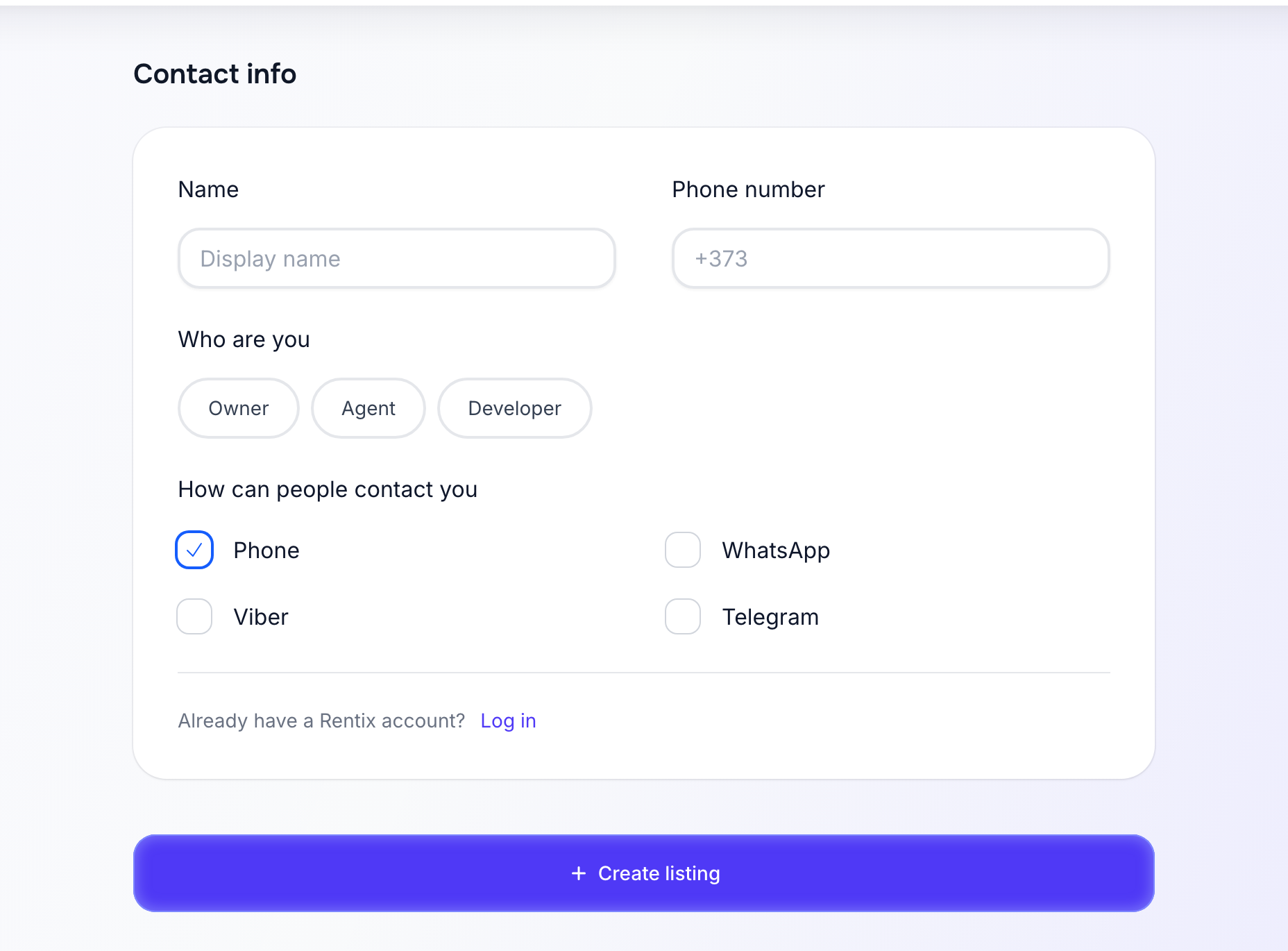
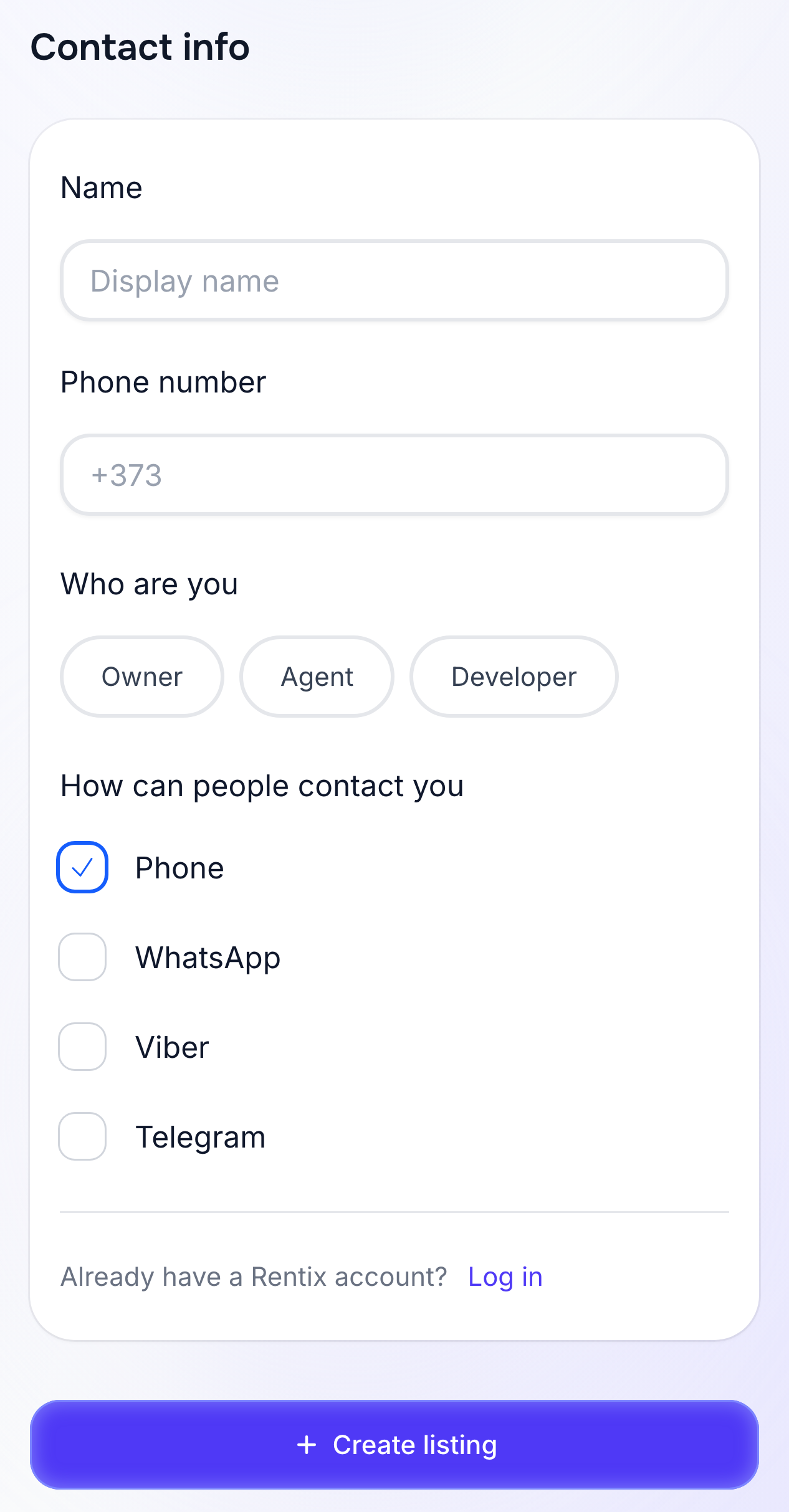
Enter your name, phone number and role: owner, agent or developer. Choose how people can contact you: phone, WhatsApp, Viber or Telegram.
Once your photos, description and contact details are ready, select “Create”.
4. Confirm your number and wait for the analysis
If Rentix asks you to confirm your number, enter the code sent by SMS. It may also arrive through Viber or WhatsApp.
Once your number is confirmed, Smart Create analyses the information you provided, fills in the fields and prepares the listing text.
5. Review the listing and publish it
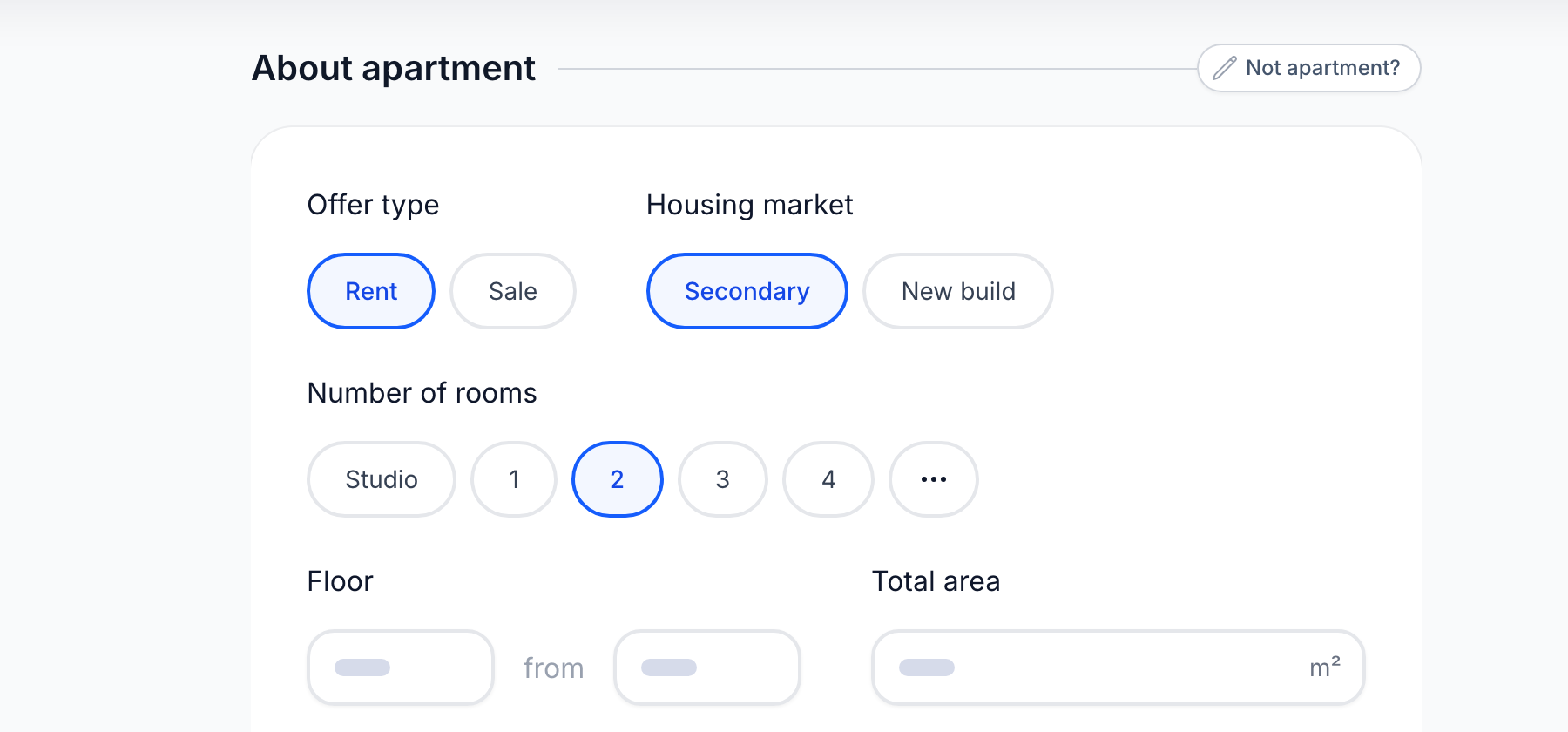
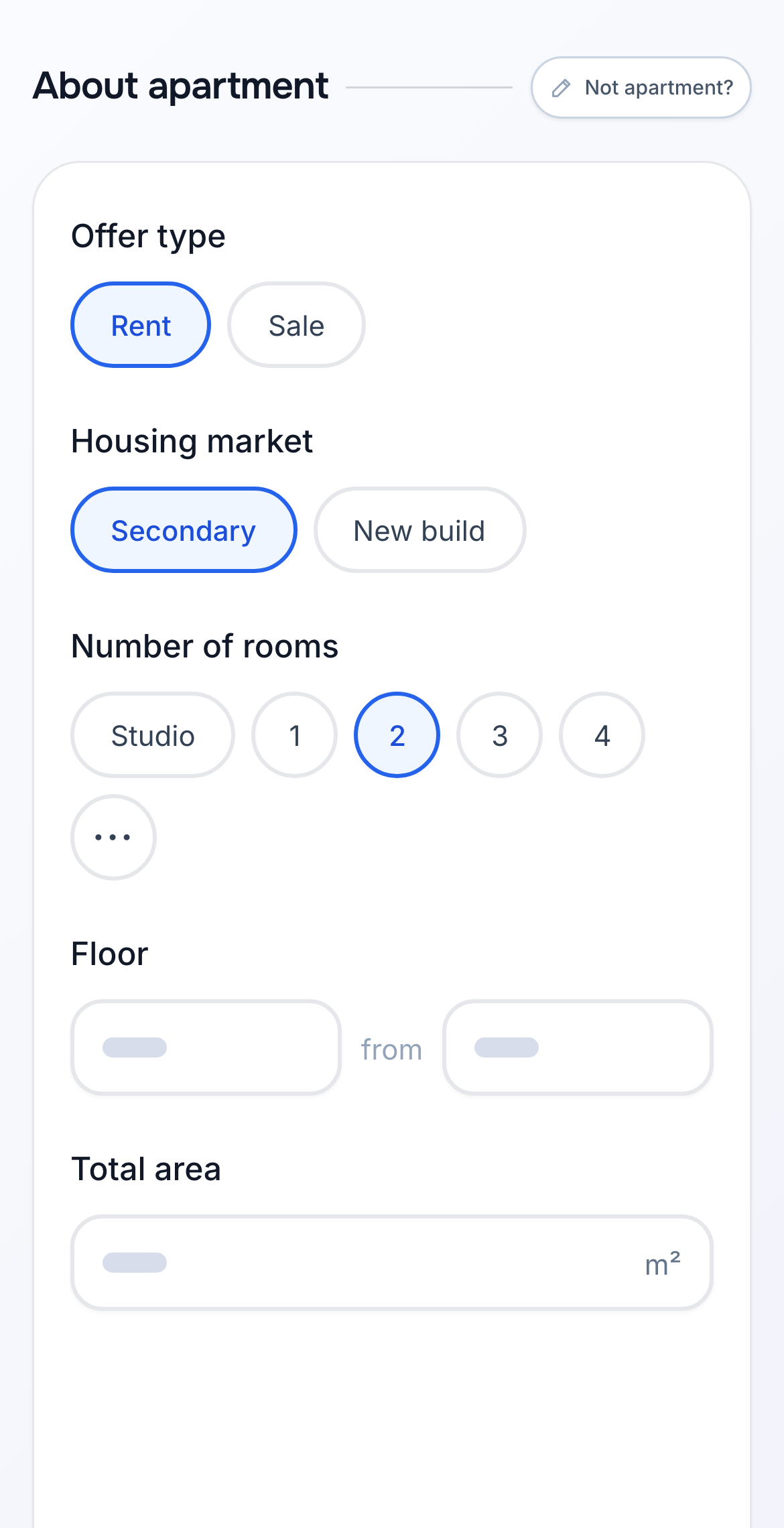
Read the prepared text and check the price, currency, address, area, floor, room count and rental terms. Correct any mistakes and publish the listing when everything is accurate.
Not ready yet? Save the listing as a draft and come back to it later.
AI can help write a listing, but it can't check property documents or confirm that your details are correct.
After publishing
Complete details, an accurate address and photos of every room help the listing appear for relevant searches. Only include features the apartment or house really has. See our guide to helping your listing rank higher.
How long a listing stays active depends on the listing and property type. You can see its expiry date in My Announcements. From there, you can change the price or description, republish it for free when it is due to expire, or hide it when the property is no longer available. See the listing management guide for these actions.