How to find an apartment or house on Rentix
You can search for apartments, houses, land and commercial property across Moldova on Rentix. Searching and browsing listings is free, with no account needed.
Tell us what you're looking for
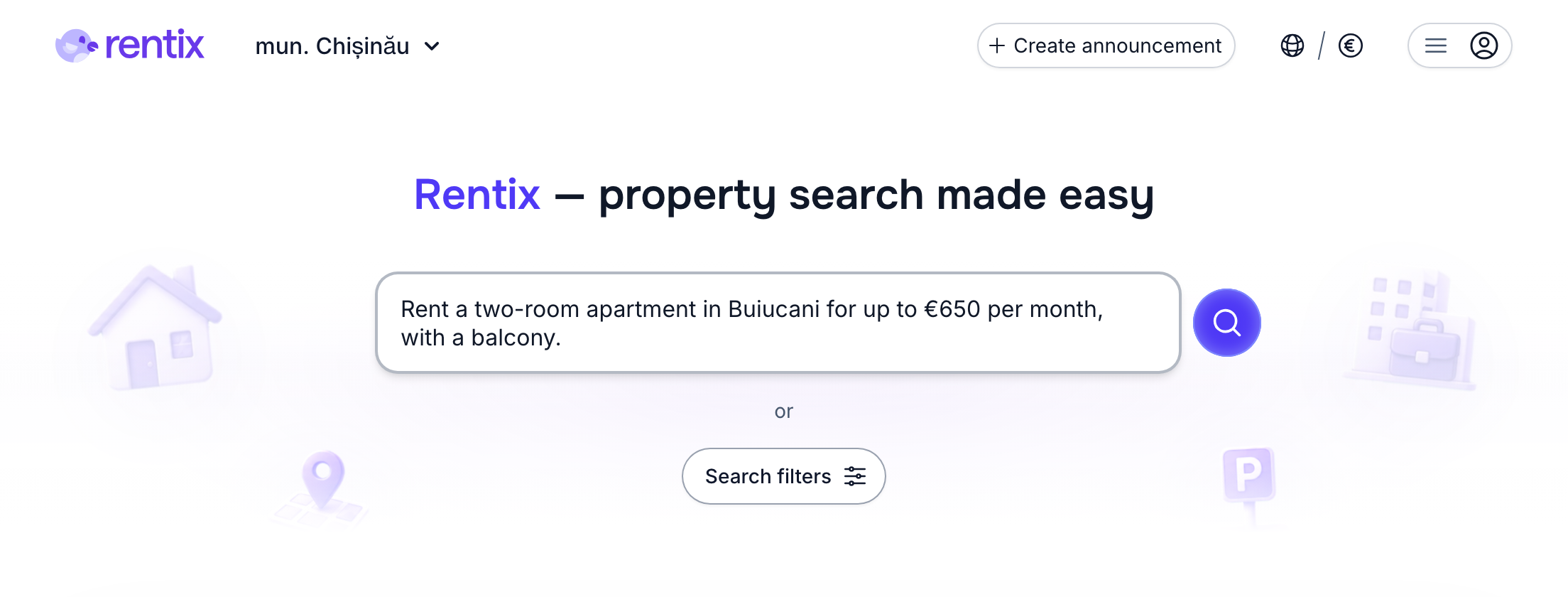
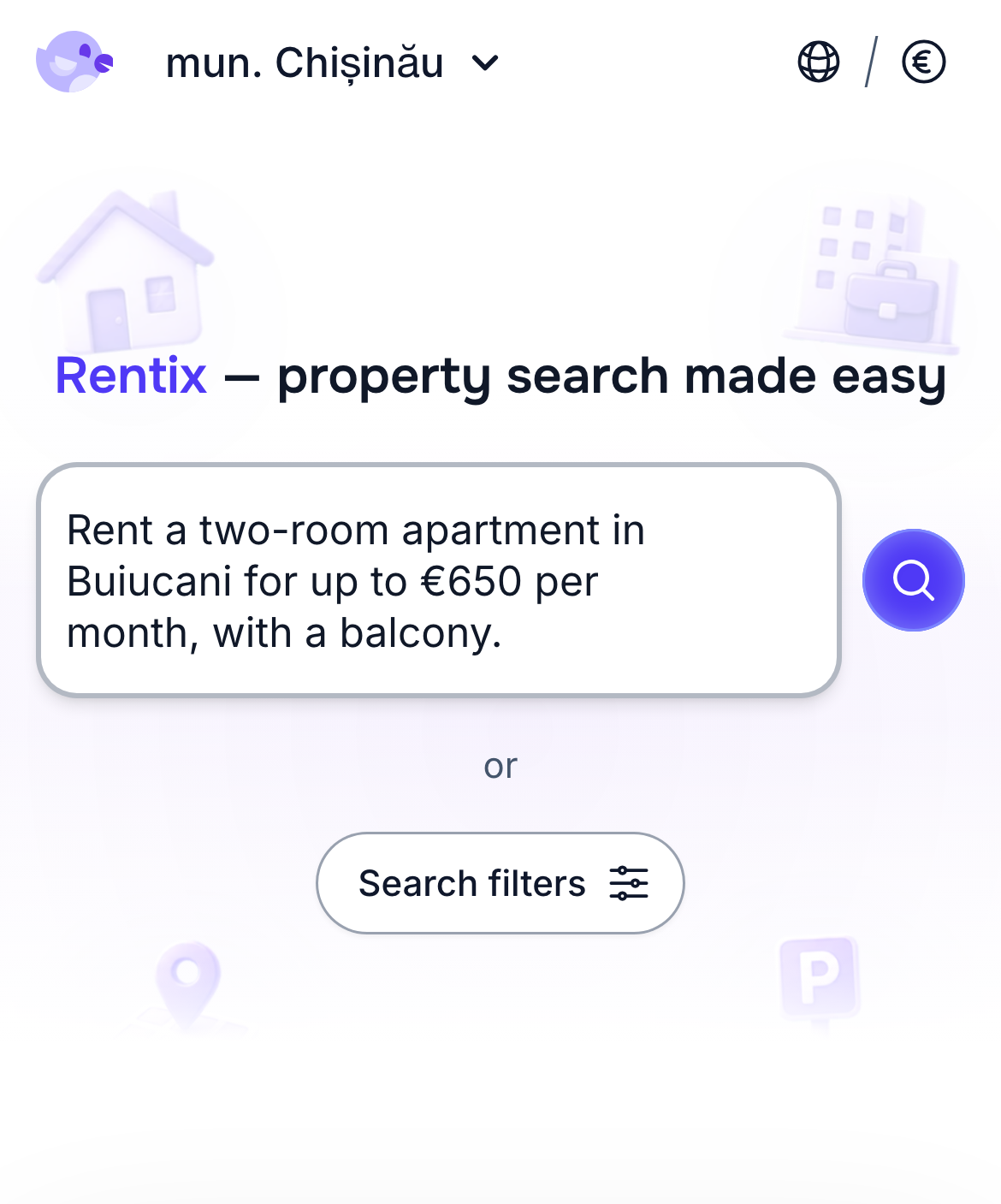
Open property search and describe what you're looking for in everyday language: an apartment or a house, buying or renting, the area, your budget and anything else that matters to you.
For example:
Rent a two-room apartment in Botanica for up to €650, with a balcony
Buy an apartment in a new building near a lake, 80–90 sqm, up to €180,000
Buy a house in Chișinău with a 100–300 m² plot
An apartment near a school
You can search in any language — for example, English, Romanian, Russian or Ukrainian.
Smart search
Rentix offers the most extensive and advanced search filters of any property website in Moldova, with over 300 filter options. Smart search saves you from having to select each filter by hand.
If there isn't a filter for something you want, the search also considers the meaning of your words — for example, when you describe an apartment's interior. You can include more of what matters to you and find a suitable place faster.
For example, you can type:
A bright apartment with a marble kitchen
Advanced listing filters
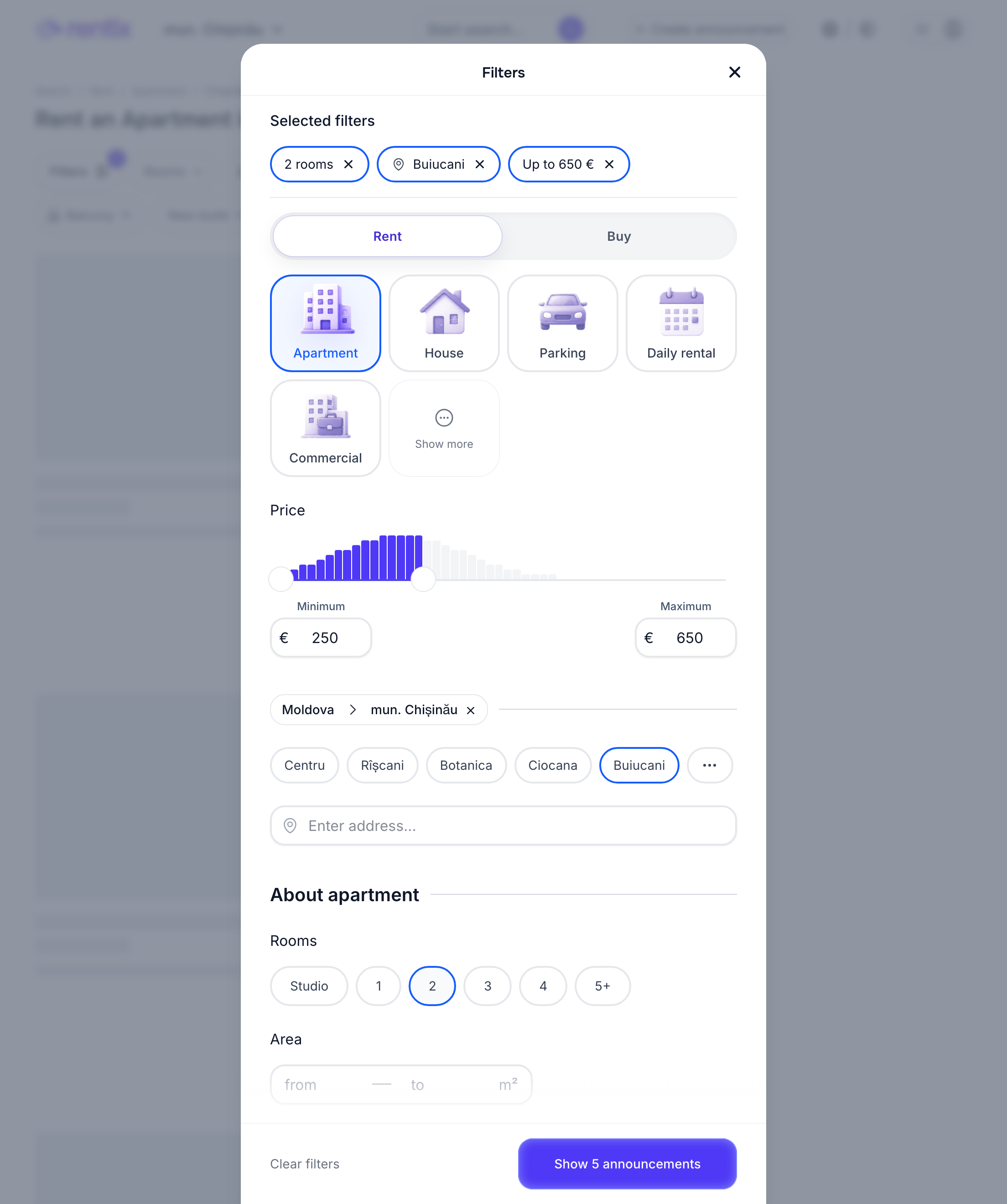
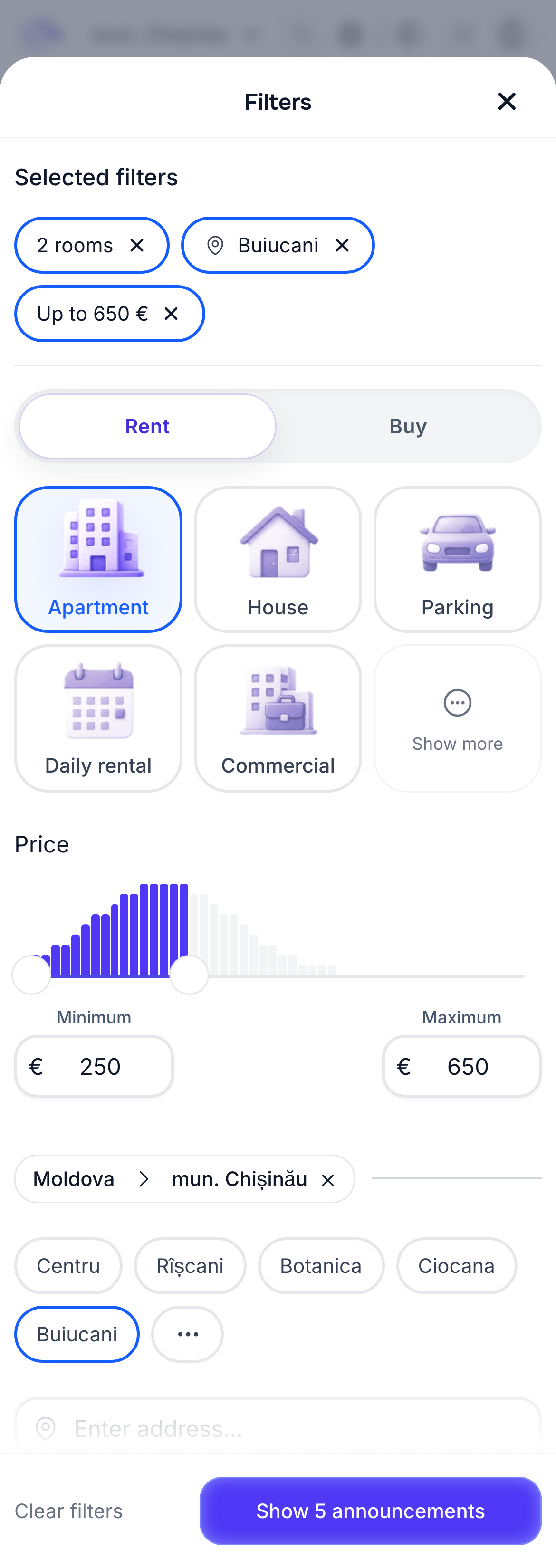
Rentix gives you hundreds of ways to refine your search: from price, district, area and property type — apartment, house, plot or office — to more specific details, such as a park, lake or school nearby, an exact address, amenities and rental terms. The full range of available filters depends on what you're looking for.
Listings that best match your request come first. When there are few exact matches, Rentix also shows close alternatives — perhaps an apartment without a balcony or a house a little farther from your chosen district. You can include all your wishes even if the ideal place isn't available yet. Any differences from your selected filters are clearly shown on the listing card.
Want to change your requirements manually? Select “Filters” on the search page. Just to the right, you'll find suggestions — popular filters that suit your search.
Search by address
Looking for an apartment near work or school, or closer to family? You can search for a particular street as well as a city or district. For example:
Apartment on Tudor Vladimirescu Street
Office on bd. Ștefan cel Mare
You'll see listings on the street you chose first, followed by nearby places and their distance from your chosen location.
Search on the map
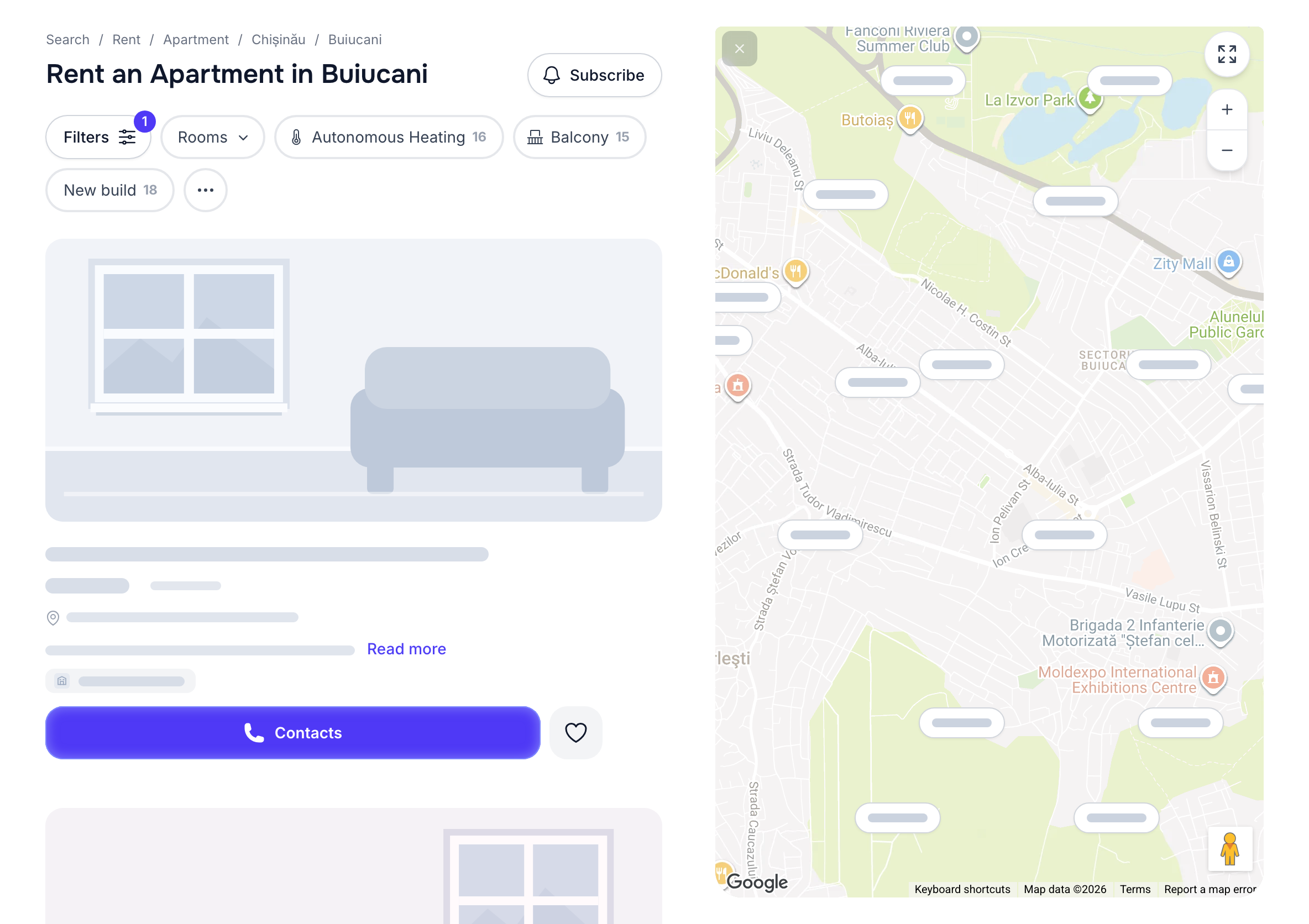
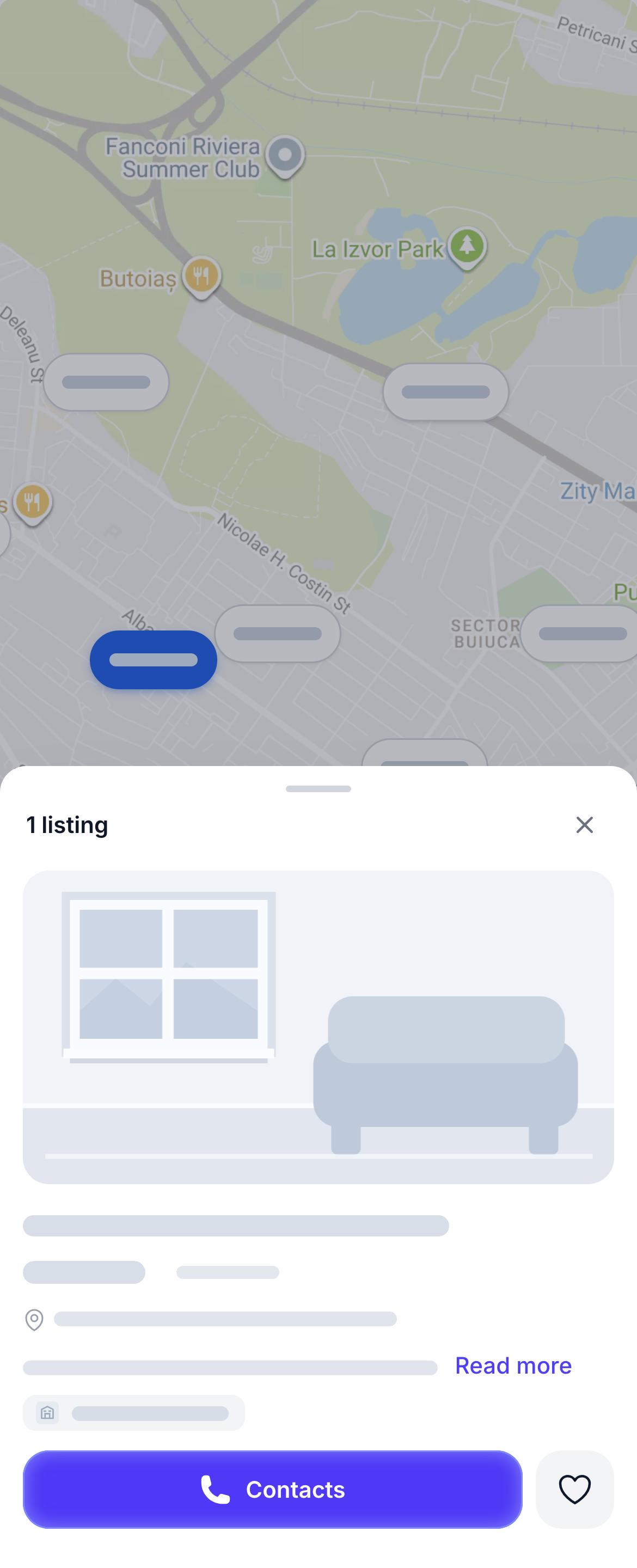
You'll find “Show on map” at the bottom of the search page. It's a convenient way to look for apartments, houses, commercial spaces and other property in the part of town you prefer. For example, two apartments in the same district can be at opposite ends of it. The map makes that difference easier to see.
A fairer order for search results
We want property search to save you time and give priority to quality listings with clear, complete information. That's why we developed our own approach to ordering results on Rentix, built around what you're looking for. It's one of the things we're especially proud of at Rentix.
People can see a different order even for the same search. We reorder listings with similar quality and relevance to give more offers a chance to be seen. Better, more relevant listings still appear higher.
A listing's position depends primarily on how well it matches your search, the quality of its photos and how complete its information is. Publication date has almost no influence. We want this order to be clear and transparent, so we explain it in our guide to helping your listing appear higher in search.
Subscribe to a search
Haven't found the right place? Select “Subscribe” on the results page. You don't need to register an account. When a new listing matches your search, Rentix will notify you. Choose push notifications, email or Telegram, and how often to receive them: immediately, once a day or once a week. Several new listings are grouped into one notification.
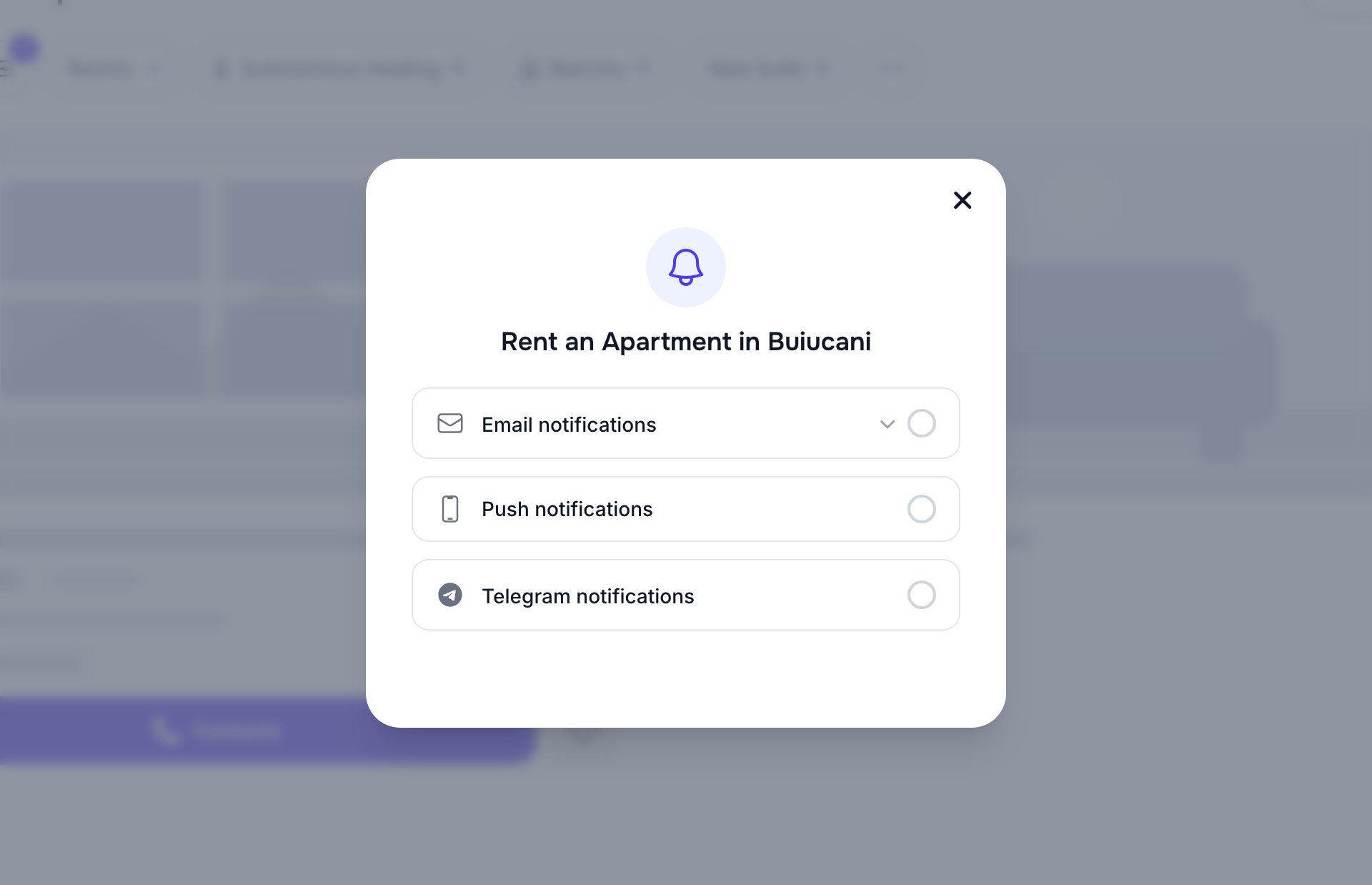
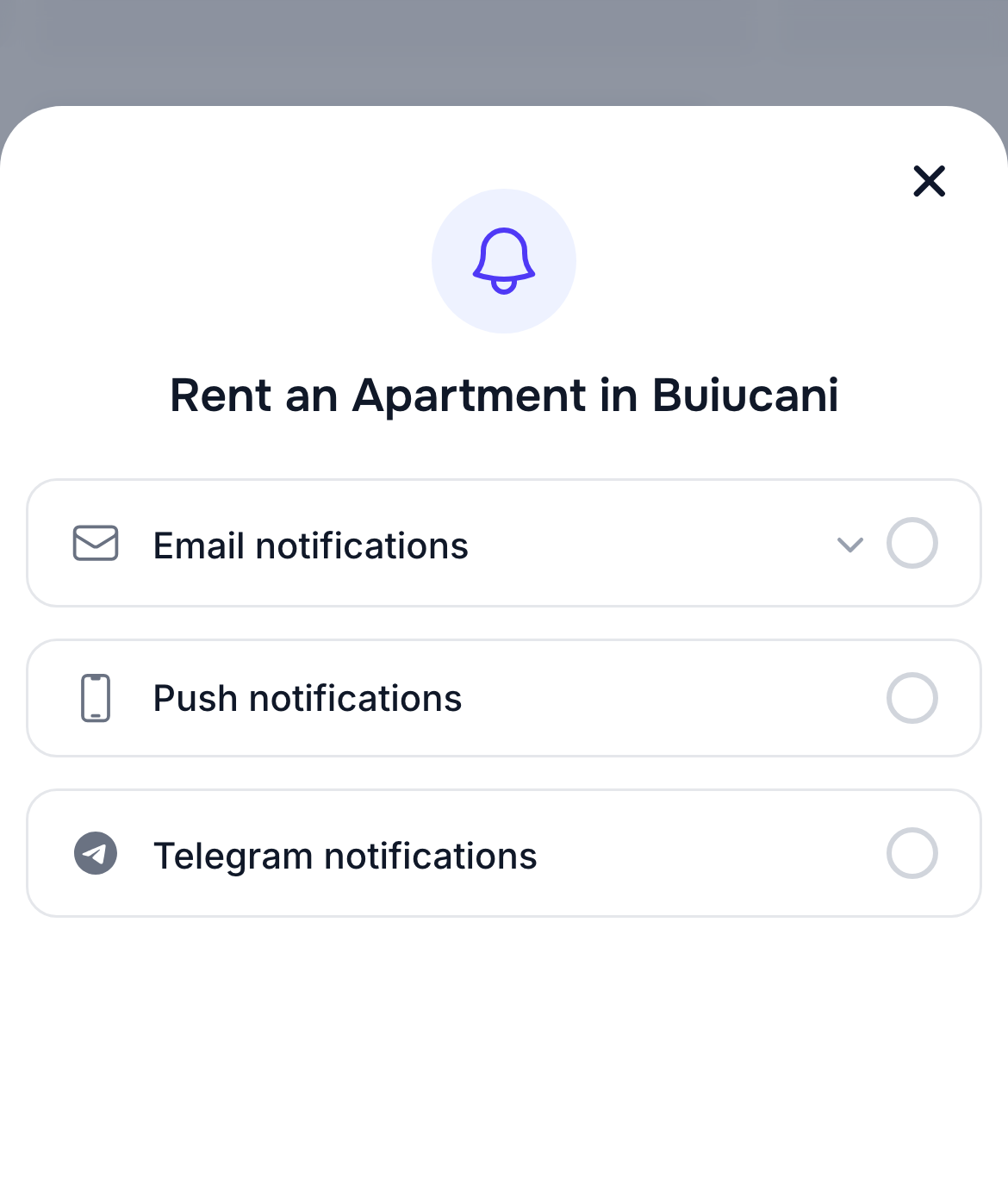
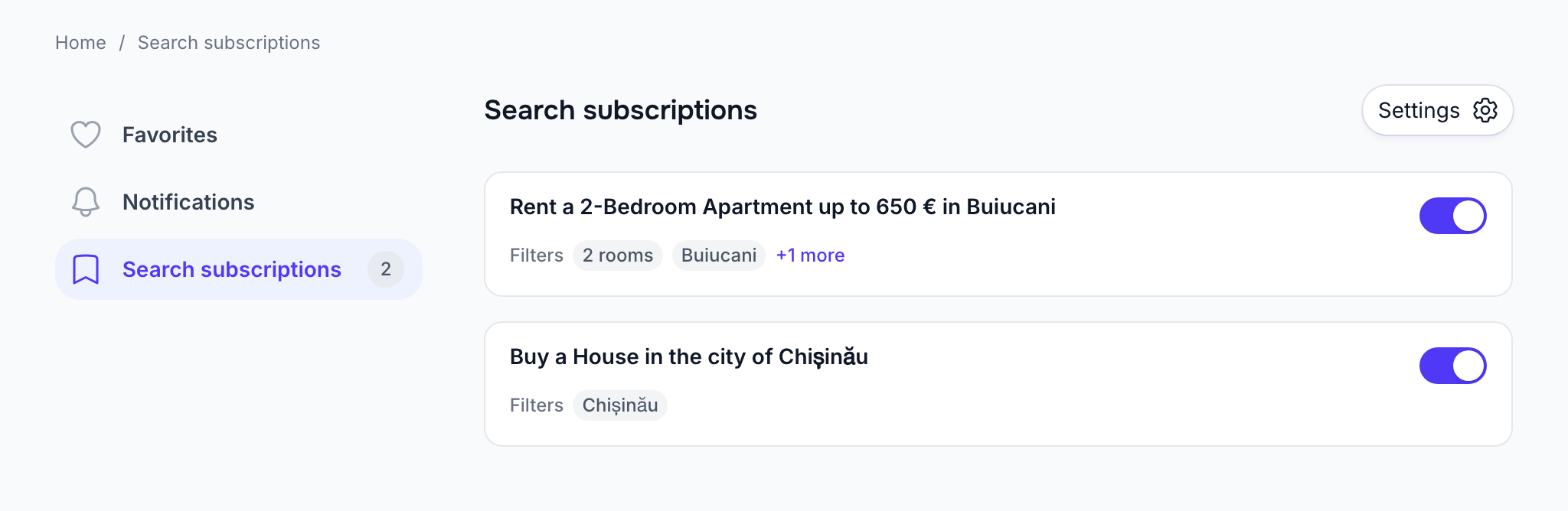
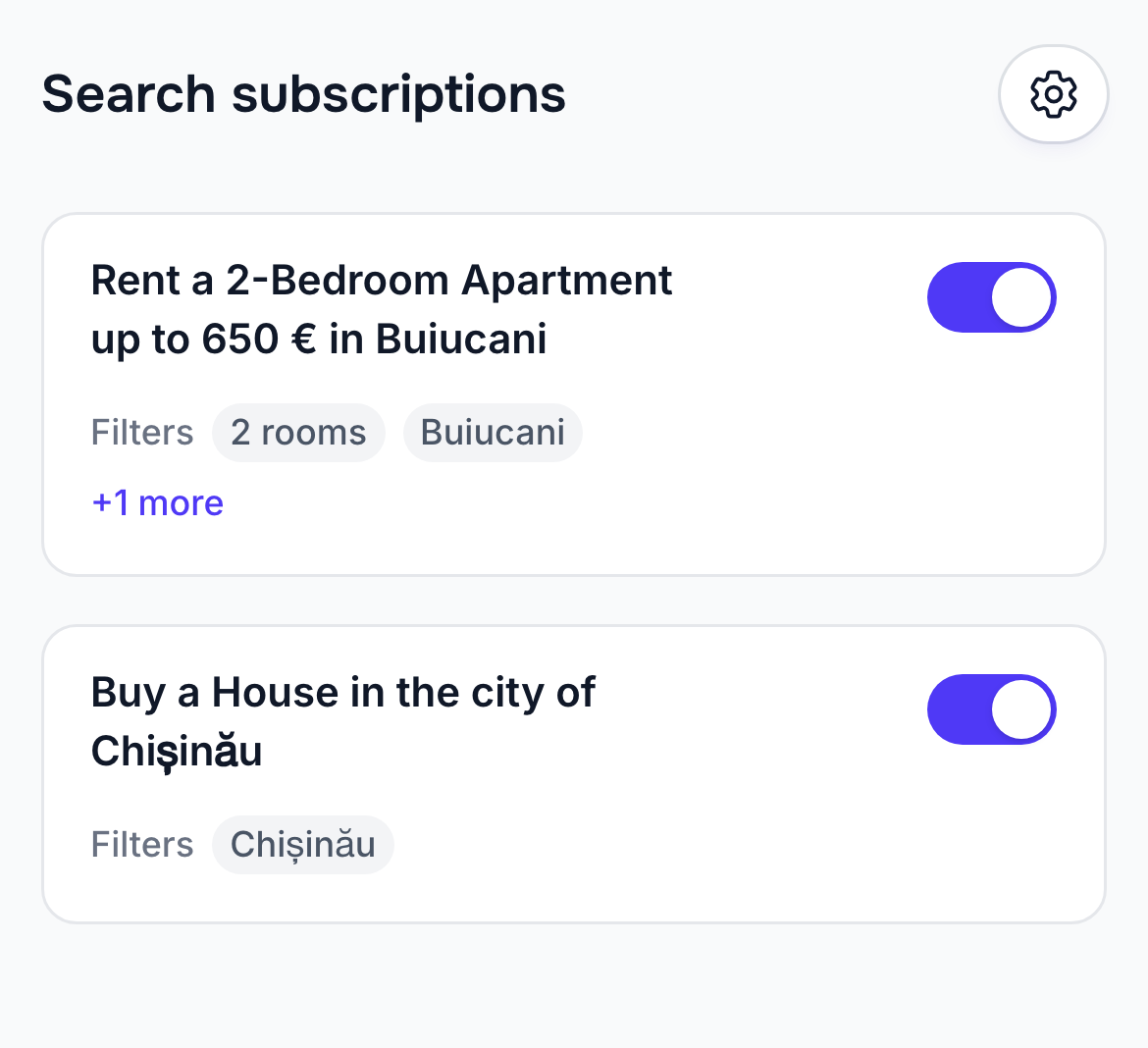
Manage saved searches in your subscriptions. The notifications guide explains how to choose delivery channels and frequency.
Save favorite listings
Like an apartment, house or another listing? Select the heart on its card to save it. You can do this without an account. Signing in lets you sync your favorite listings across devices.
Find everything you saved in your favorites. See the favorites guide for ways to compare places and check a listing before contacting the advertiser.
Contact the person who posted the listing
Select “Contacts” on a listing card or the listing page to reach the person who posted it. You can call or send a message through WhatsApp, Viber or Telegram, depending on the contact methods they chose when publishing. On a computer, you'll see a QR code you can scan with your phone instead of typing the number.