How to help your listing rank higher
Unlike most listing platforms, Rentix uses a smarter, fairer search algorithm. Listings that match the search, with good photos and complete information, appear higher. Republishing does not move a listing higher in the results.
Comparable listings are shuffled together. Listings created directly on Rentix have a slightly better chance of appearing earlier, especially those from property owners. Automatically imported listings remain mixed into the results. Search relevance, useful information and photo quality still matter. You don't need to pay for a higher position to find a buyer or tenant. Rentix currently offers no paid promotion.
Why people can see a different order
Even with the same search, different people can see listings in a different order. This gives more offers a chance to be seen, rather than always showing the same ones first. We only reorder listings with similar quality and relevance: the best ones among other strong matches, and the rest among comparable offers. Better, more relevant listings still appear higher.
This gives every advertiser a chance to find a client without paid advertising. Good photos and useful details help more than repeatedly republishing a listing. Here's what you can improve.
Show the whole property
Photograph the bedrooms, living area, kitchen and bathroom. For a house, include the outside and the land. Choose clear photos in good light so people can see the property as it is. Five angles of one sofa won't make up for missing rooms.
If you have a short walkthrough video, add it too. It can help people understand the layout, but they still need photos.
Include the details people search for
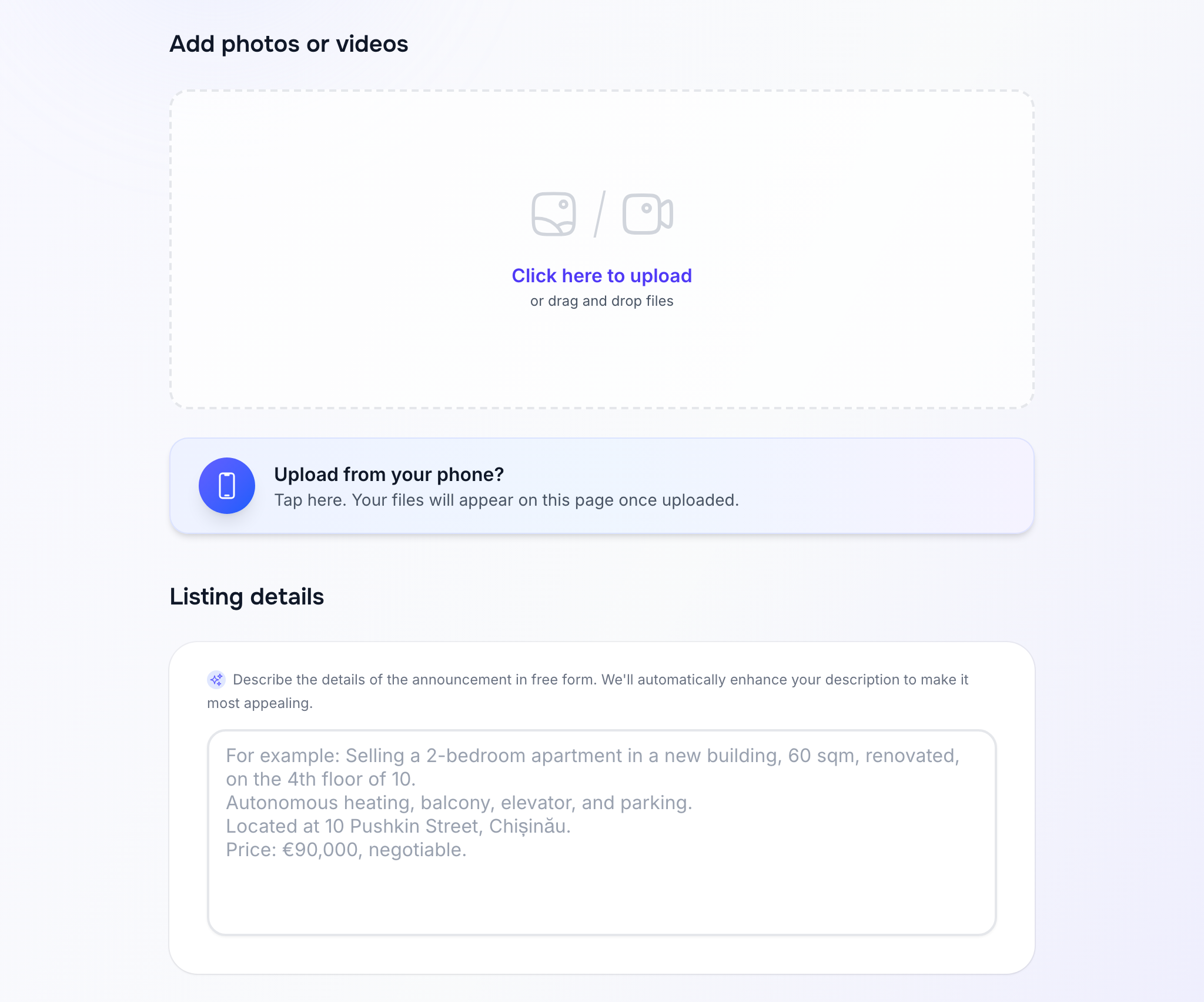
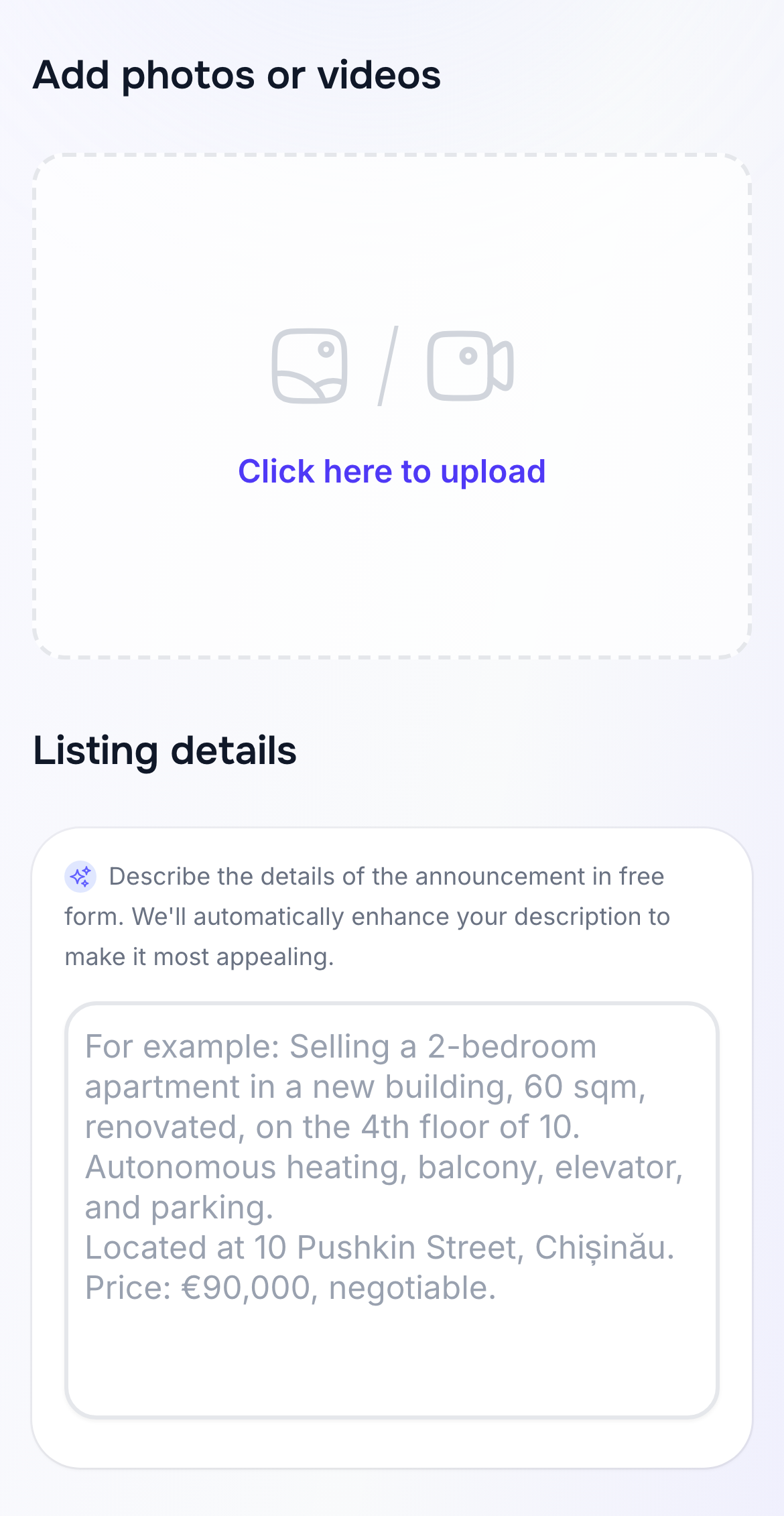
When creating the listing, describe the property in your own words. Include its type, number of rooms, area, floor, condition, price and sale or rental terms. Mention features that really exist, such as heating, a balcony, a lift or a dedicated parking space. Those details help your listing appear in more specific searches.
Rentix uses your description to prepare the listing fields and text. Check them before publishing: parking nearby, for example, isn't the same as a private parking space. See the listing creation guide for the full process.
Add the street and building number
If someone searches near a particular street, a full address helps Rentix show your property and how far away it is. A district alone isn't precise enough for that search. Check the location on the map before publishing.
Keep the listing up to date
Review the price, description and terms after publishing. If anything changes, edit the listing so people don't contact you about outdated details. When the property is temporarily unavailable or the deal is done, hide or close the listing.
A useful listing doesn't need to be long. Show the different parts of the property and describe the details people will actually search for.