How to save and compare favorite property listings on Rentix
Found a few apartments, houses, or other properties that look promising? Save the listings to Favorites so you can revisit them and compare your options before arranging a viewing.
Save a listing you like
Select the heart on a card in the search results or on the listing page. You don't need an account. A highlighted heart means the listing is saved; select it again to remove the listing from Favorites.
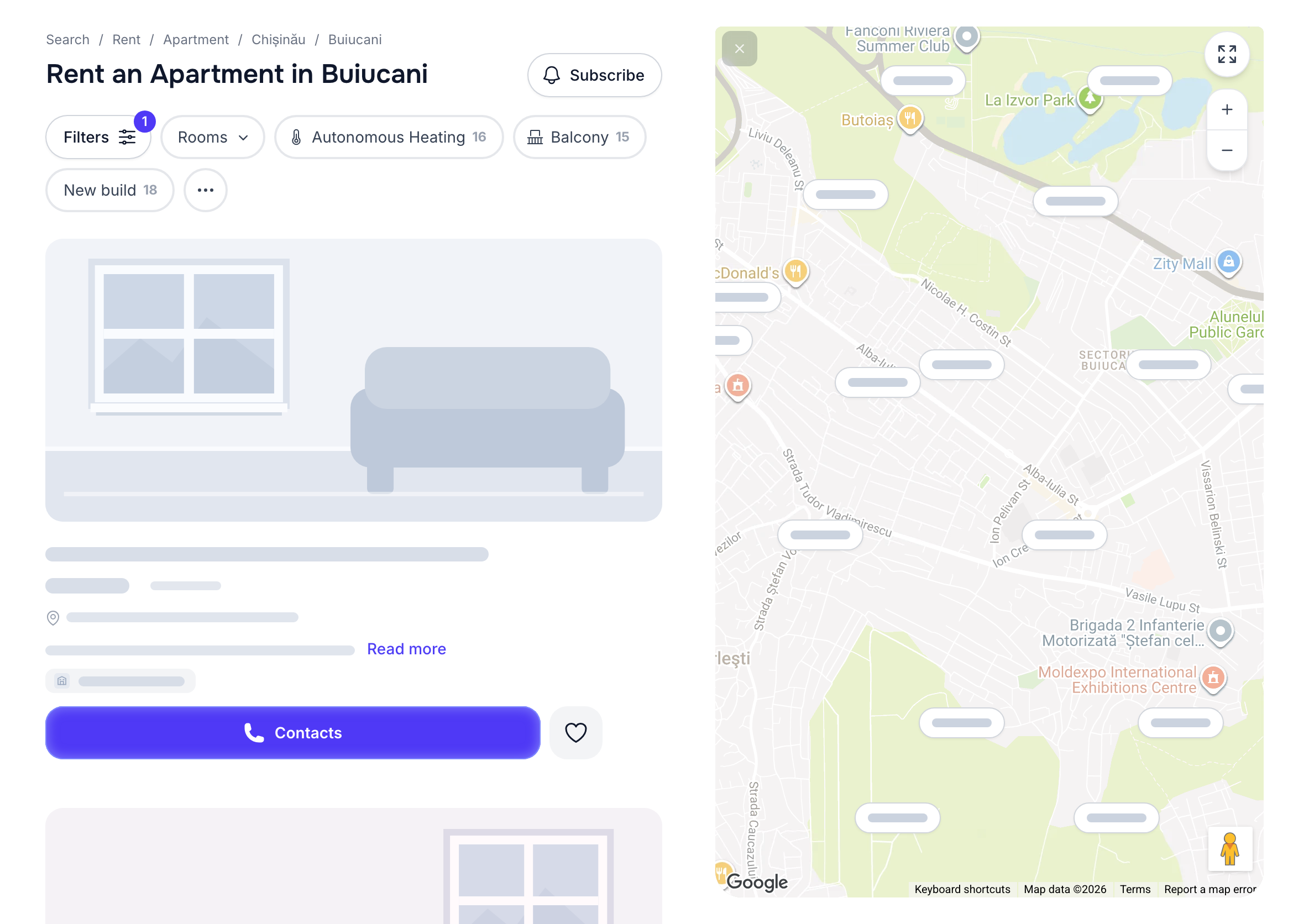
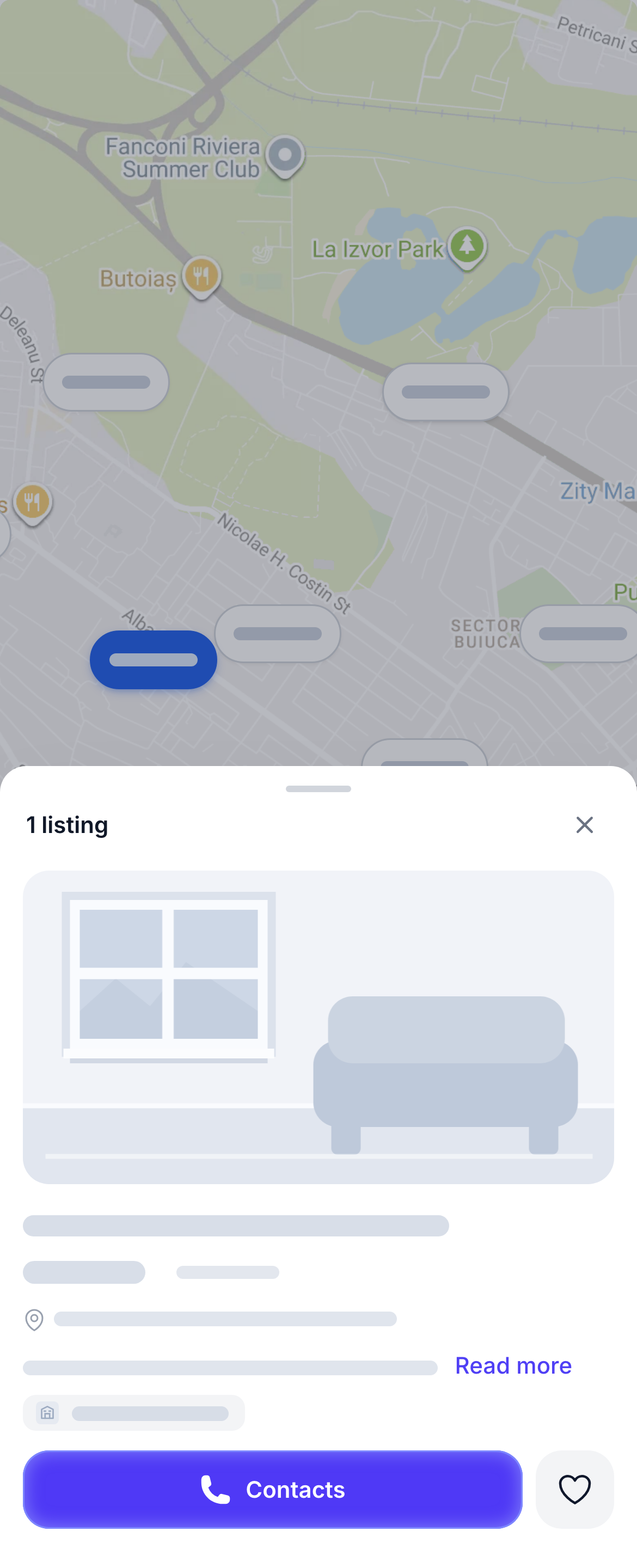
You'll find your saved listings on the Favorites page. You can open it without signing in.
Compare properties before a viewing
Open your saved listings one by one. Compare the asking price, location, floor area, photos, and description. If a particular part of the neighborhood matters to you, check the map. Review the rental or sale terms and what is included in the price, too.
Favorites gives you a shortlist, but listings can change. Before you travel to a viewing, ask the listing author whether the property is still available and the terms are current.
Favorites with and without an account
When you browse as a guest, your saved listings stay in the current browser. Sign in from that same browser to transfer them to your account. You can then access Favorites on other devices where you're signed in. If you want a reliable shortlist across devices, sign in before you start searching.
Contact the author or tidy up your list
Open a listing and select “Contacts” to discuss it. You'll see the phone or messaging options the author has enabled. Ask about viewing times, extra costs, and any other conditions that matter to you.
Select the heart again to remove a listing you no longer want. To remove everything, select “Clear” on the Favorites page and confirm.
You can keep searching for properties while comparing your shortlist. If the right place hasn't appeared yet, set up notifications for new listings that match your search.