How to set up alerts for new property listings on Rentix
Looking for an apartment, house or another property? Save your search on Rentix and hear about new listings that match it. You can receive alerts by email, browser push notification or Telegram, even if you don't have a Rentix account.
Subscribe to a property search
- Open property search and choose the location, property type, budget and any other requirements that matter to you.
- On the results page, select “Subscribe” next to the search heading.
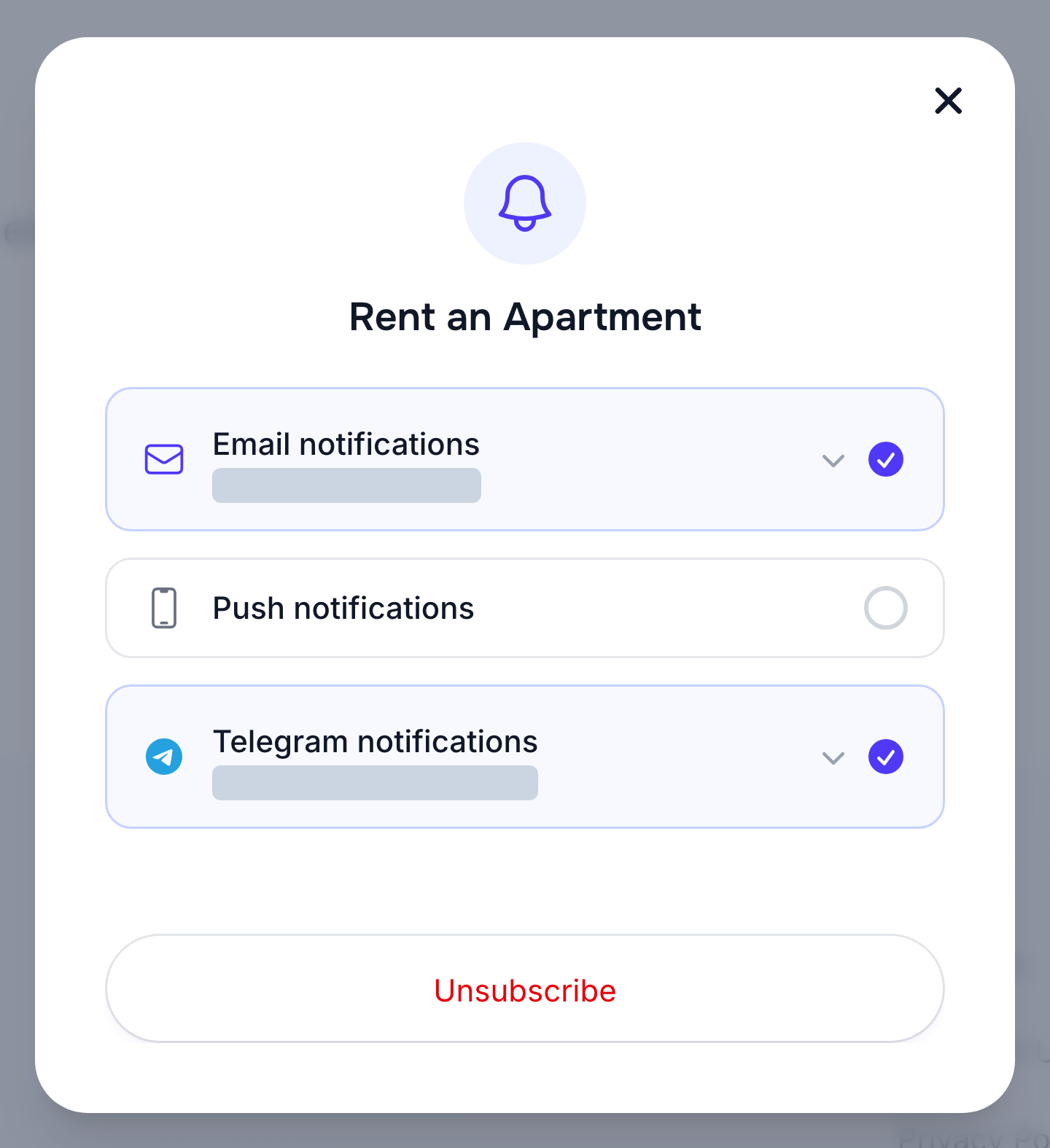
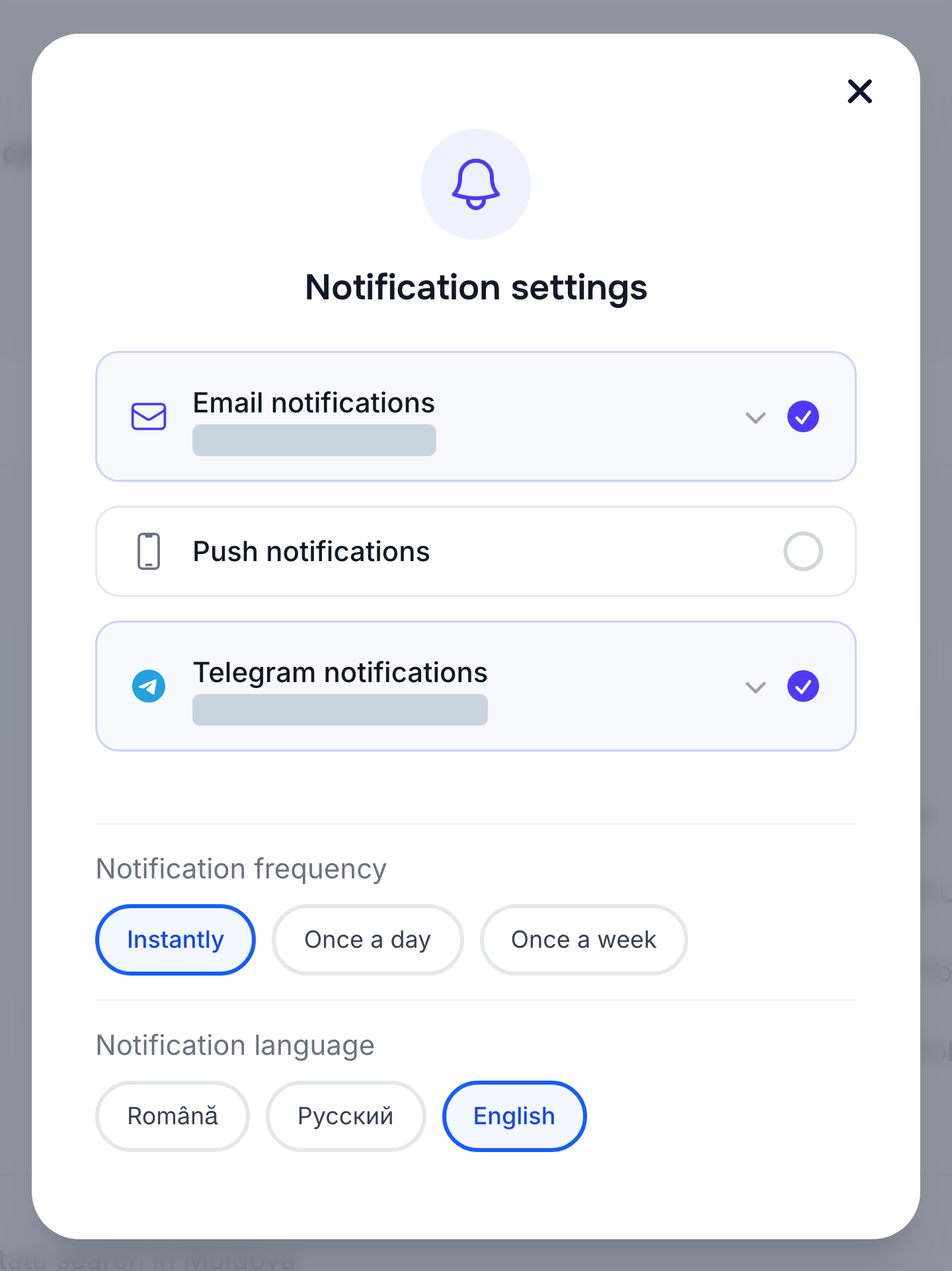
- Choose where you want new listings to arrive. You can connect several channels at once.
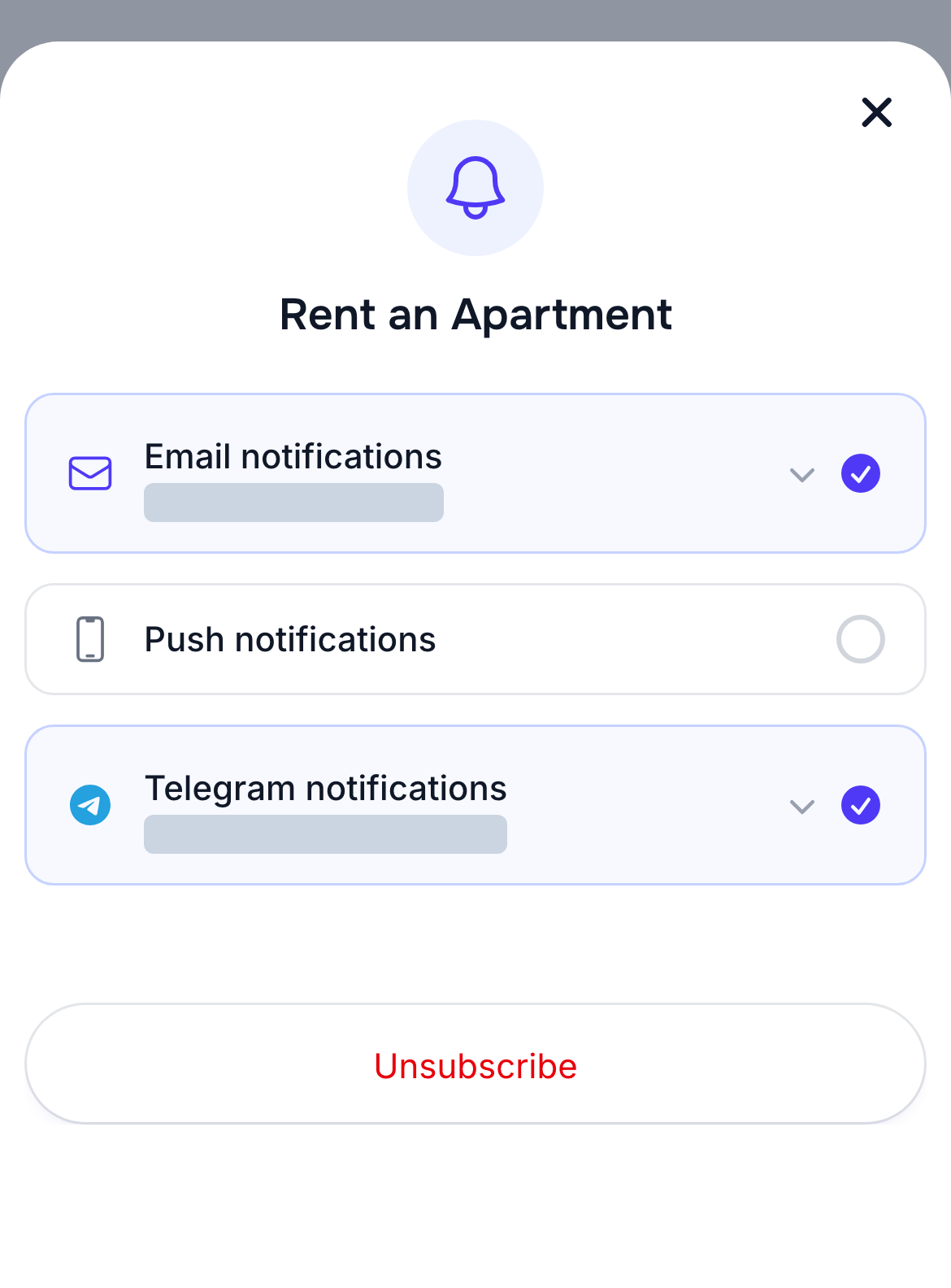
In this saved search, email and Telegram are already connected. The check marks show which channels are on.
Choose where alerts arrive
- Email. Expand “Email notifications”, enter your address and select “Subscribe”.
- Push notifications. Turn on the channel and allow notifications in your browser. Grant permission on each device where you want alerts. If your browser doesn't support push or you've blocked it, check the site's permissions in your browser settings.
- Telegram. Select “Telegram notifications”, follow the link and start the bot. See the Telegram bot guide for the full setup and available commands.
Set the alert frequency
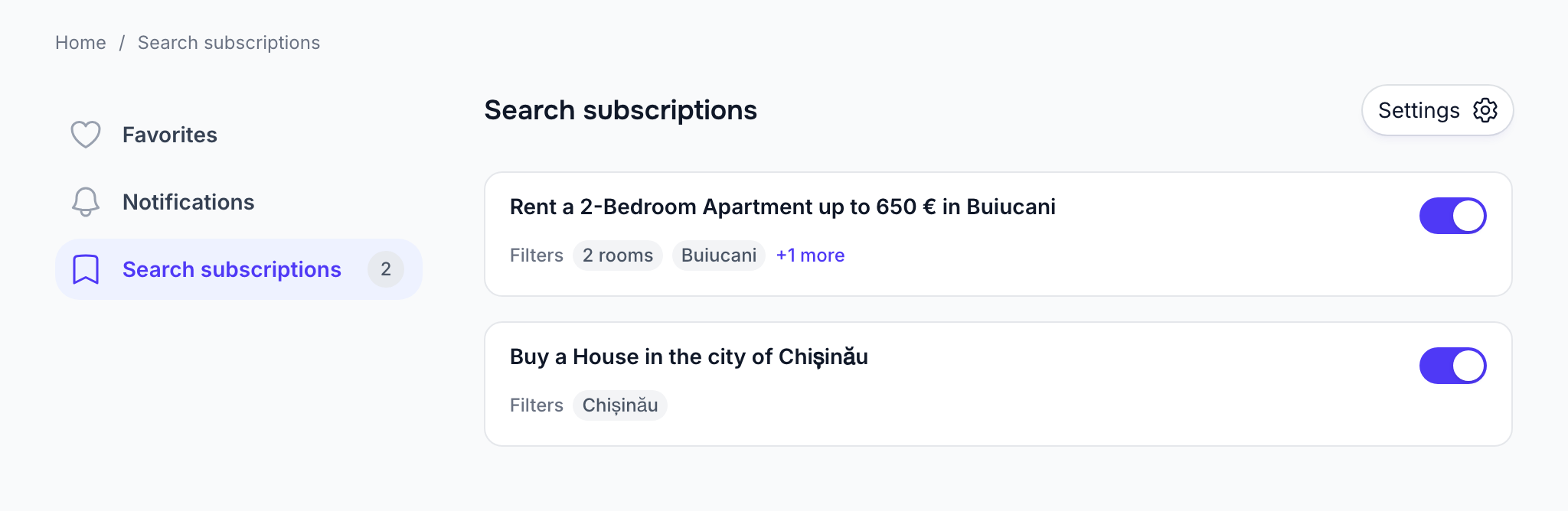
Open Search subscriptions and select “Settings”. You can change your channels, message language and frequency: instantly, once a day or once a week. The frequency you choose applies to all your saved searches. Several new matches may arrive in one digest.
Manage your saved searches
Each search has its own card on the subscriptions page. Select its title to reopen the results with the same requirements. Use the switch on the right to pause or resume it. An “Extend” button appears when the subscription is close to expiring. To remove a subscription, pause it first, then select “Unsubscribe” and confirm.
Find your notifications
The Notifications page shows new listings that match your searches and other important updates. Select a new listing notification to open the property. “Read all” clears the unread marks.
Without an account, subscriptions and notifications are tied to the current browser. If you sign in from that browser, active guest subscriptions that haven't expired move to your profile and become available on other devices. Paused and expired guest subscriptions don't move over. Browser push permission still needs to be set on each device separately.