Telegram bot for search alerts and listings
Want new property listings sent straight to Telegram? Subscribe to a search on Rentix and connect the bot. You don't need an account for search alerts. To manage your own listings in the bot, link your Rentix account to the chat.
Connect Telegram from a search
Run a property search on Rentix and select “Subscribe” on the results page. In the subscription window, choose “Telegram notifications”. Follow your personal link to the bot and press Start in the Telegram chat. If the link has expired, return to Rentix and select Telegram again to get a new one.
The screenshot shows Telegram connected to a saved search on Rentix. The check mark confirms it is on.
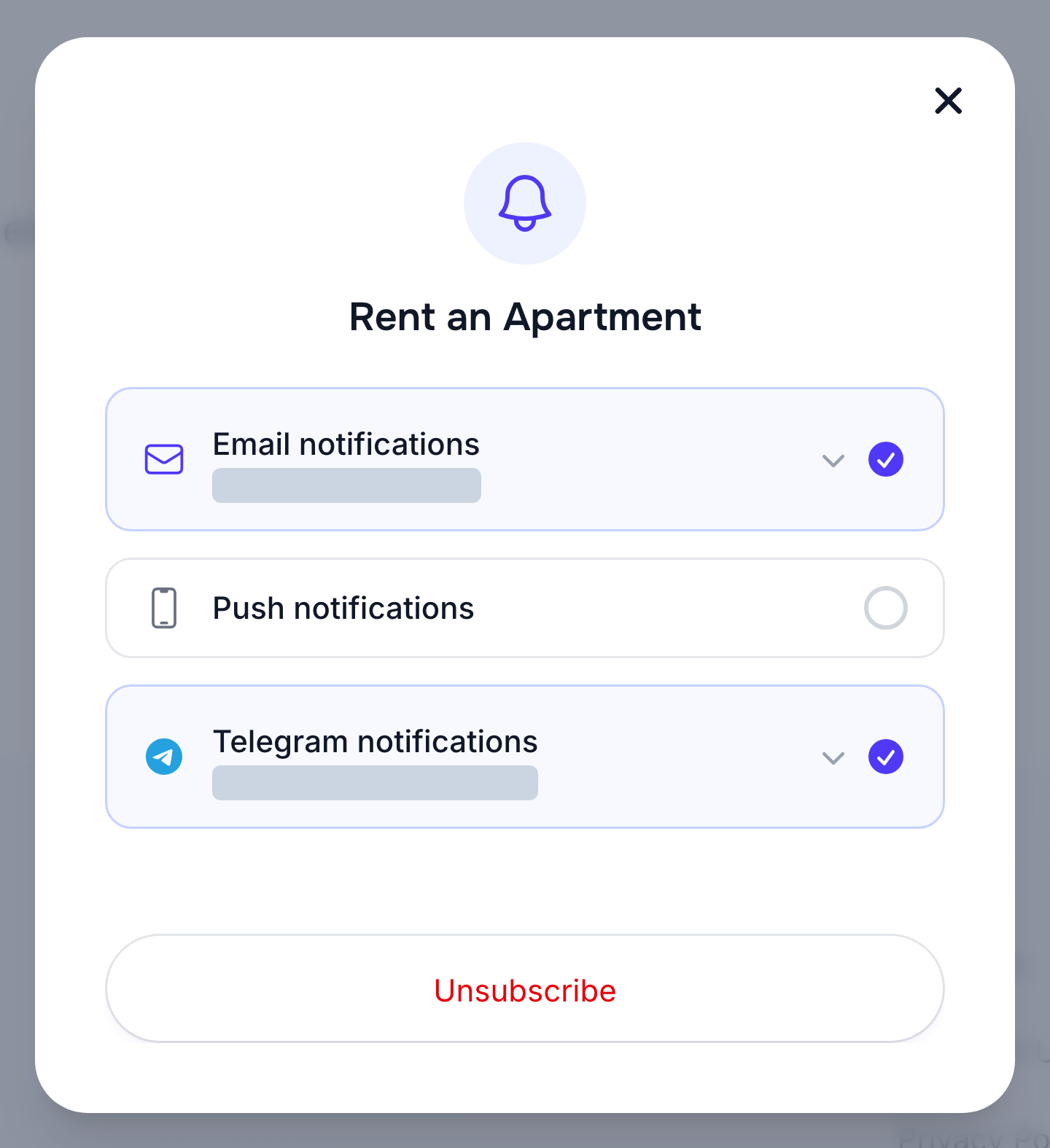
If your Telegram chat is already connected, selecting the Telegram channel for another search enables alerts for that search. You can change delivery frequency in your subscription settings. For different conditions, run a new search and subscribe to its results. See how search notifications work.
What you can do in the bot
/subscriptionsshows your saved searches. Open one to pause, resume or delete it. An extension button appears when it is close to expiring or has already expired. The list also has a button to switch Telegram alerts on or off for all subscriptions./announcementsshows your active and expired listings. You can mark an active listing sold or rented. An extension button appears near its expiry date, while an expired listing can be reactivated. This command requires a Rentix account linked to the bot. You can also manage listings in My Announcements. See the listing management guide for details./languagelets you choose Romanian, Russian or English for the bot./helpopens help for subscriptions and listings in the chat./stopdisconnects this Telegram chat and stops notifications there. Your saved searches remain on Rentix.